What's next.
Where to go.
Home puts the next session first, with a countdown, then your grandstand, seats and entry gate. Glance, pocket your phone, get back to the race.
 gridpeek
Tickets, travel, stays and all the little plans in between.
One calm place for your Grand Prix weekend. Even offline.
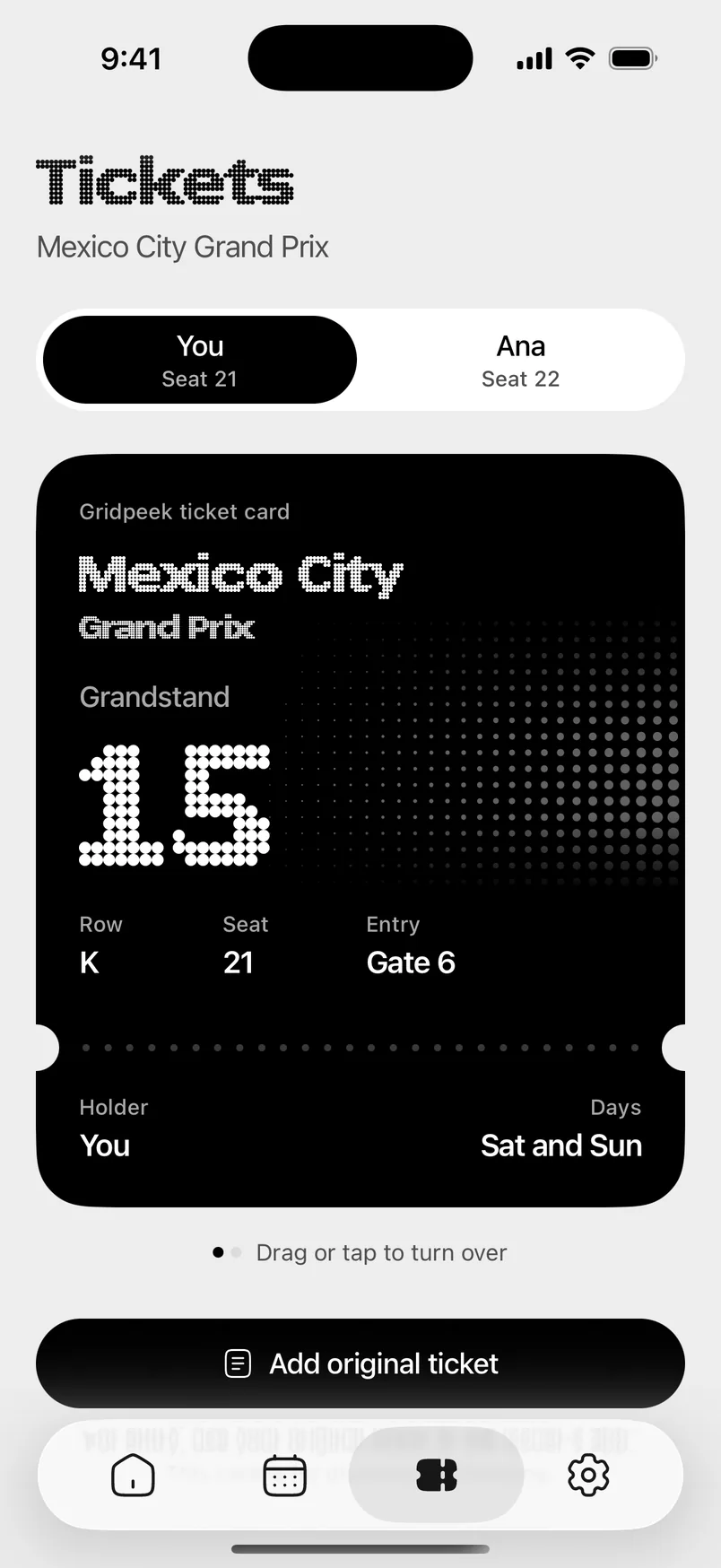
Your ticket, turned into a card. Tap it for the back.Sample card. Not valid for entry.
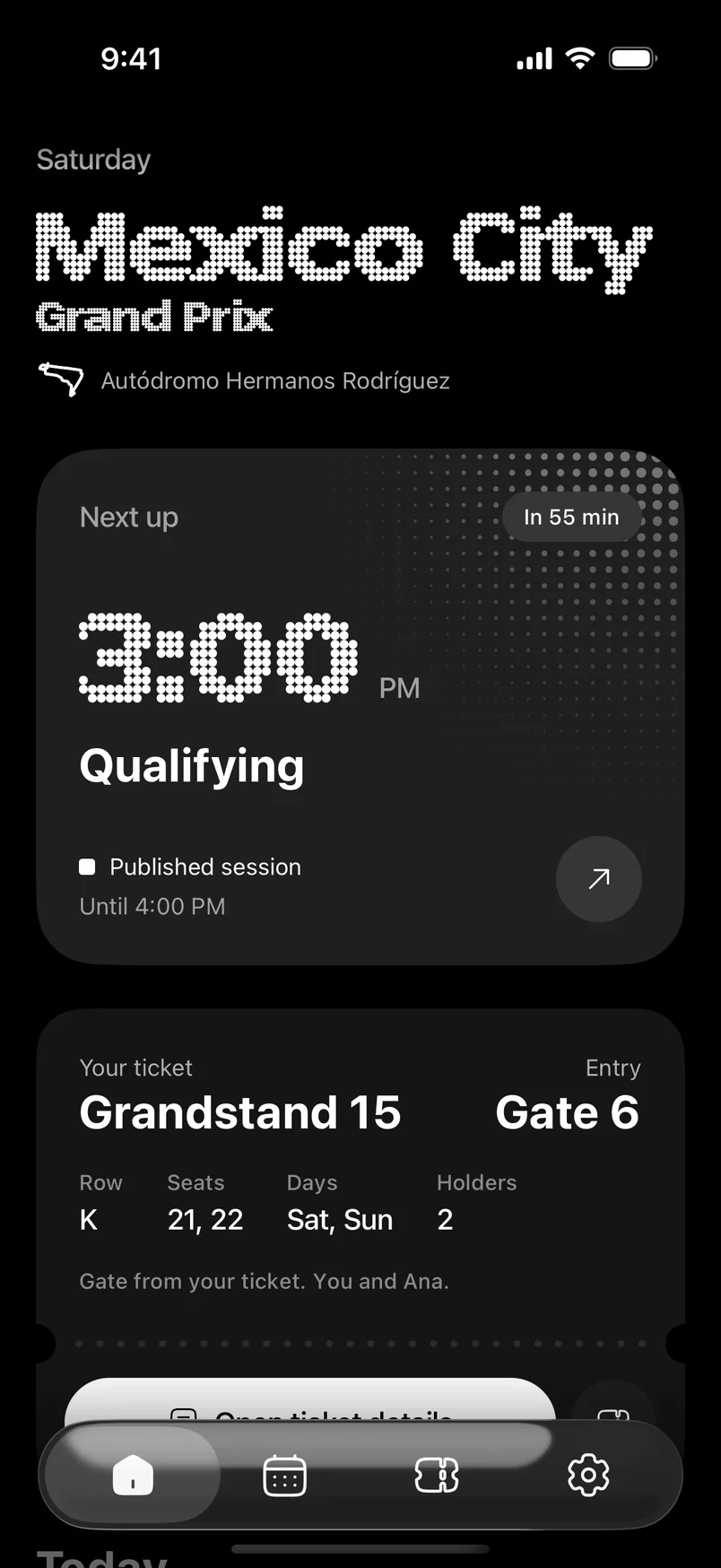


Home puts the next session first, with a countdown, then your grandstand, seats and entry gate. Glance, pocket your phone, get back to the race.
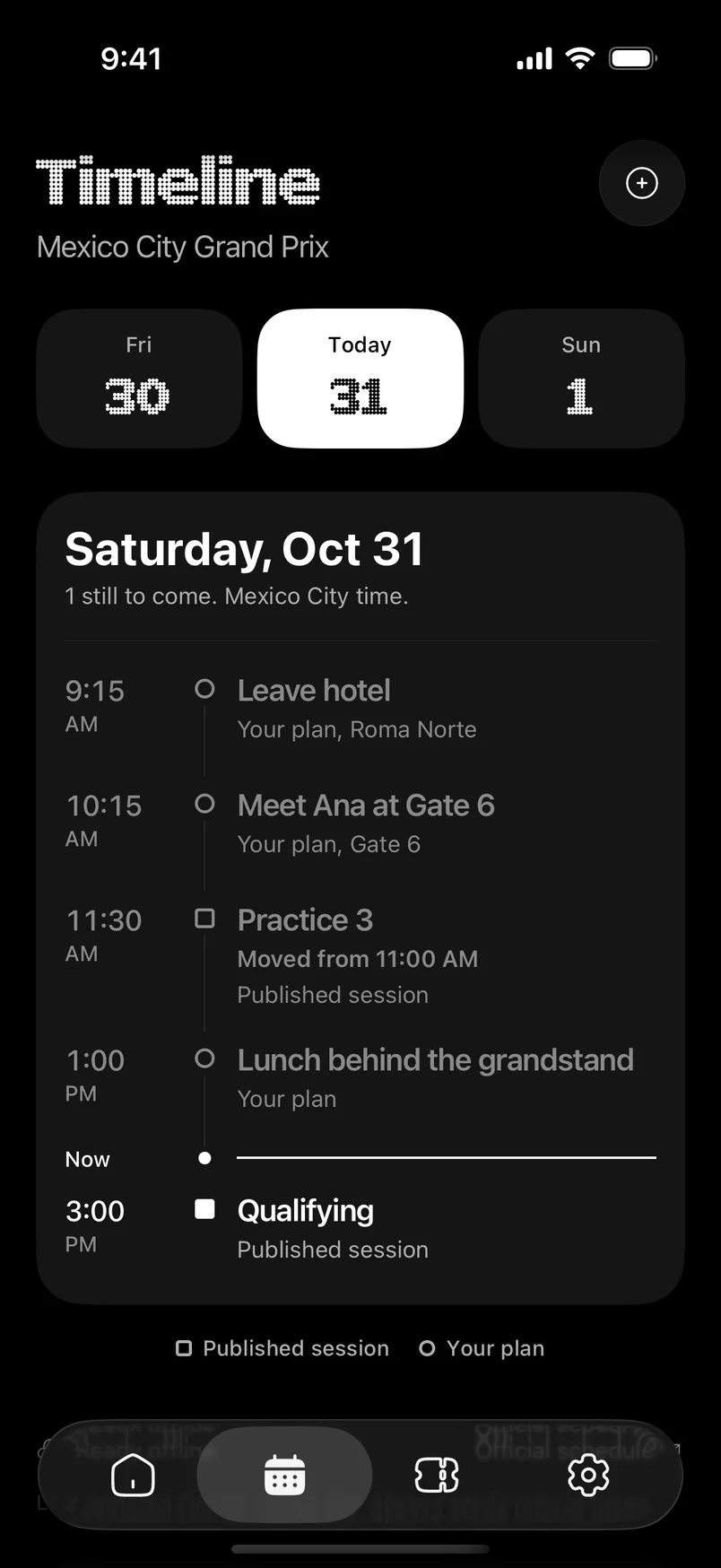
The hotel run, meeting friends at the gate, lunch behind the grandstand. Your plans sit beside published sessions, in the order your day happens.
If a session moves, the timeline shows its old time. Your plans stay where you put them.
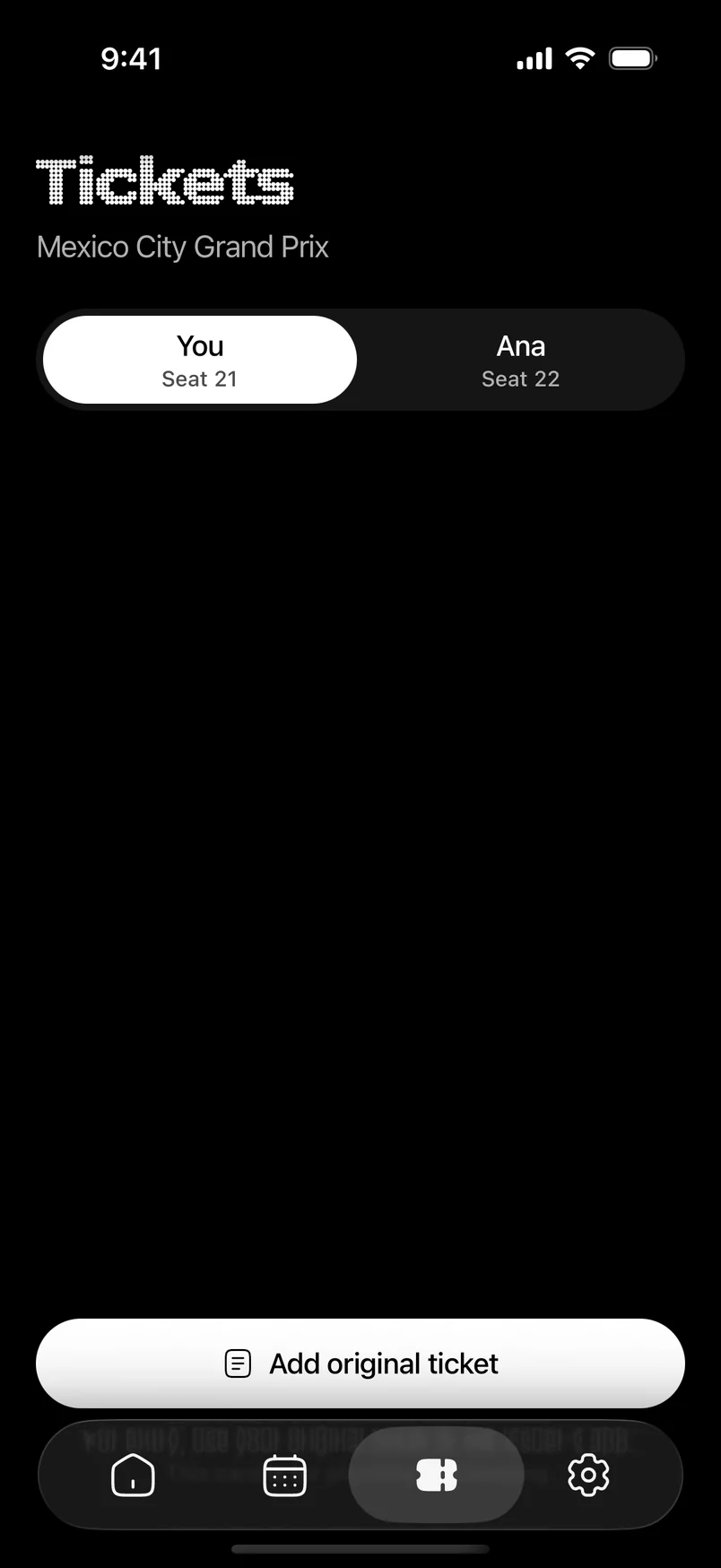
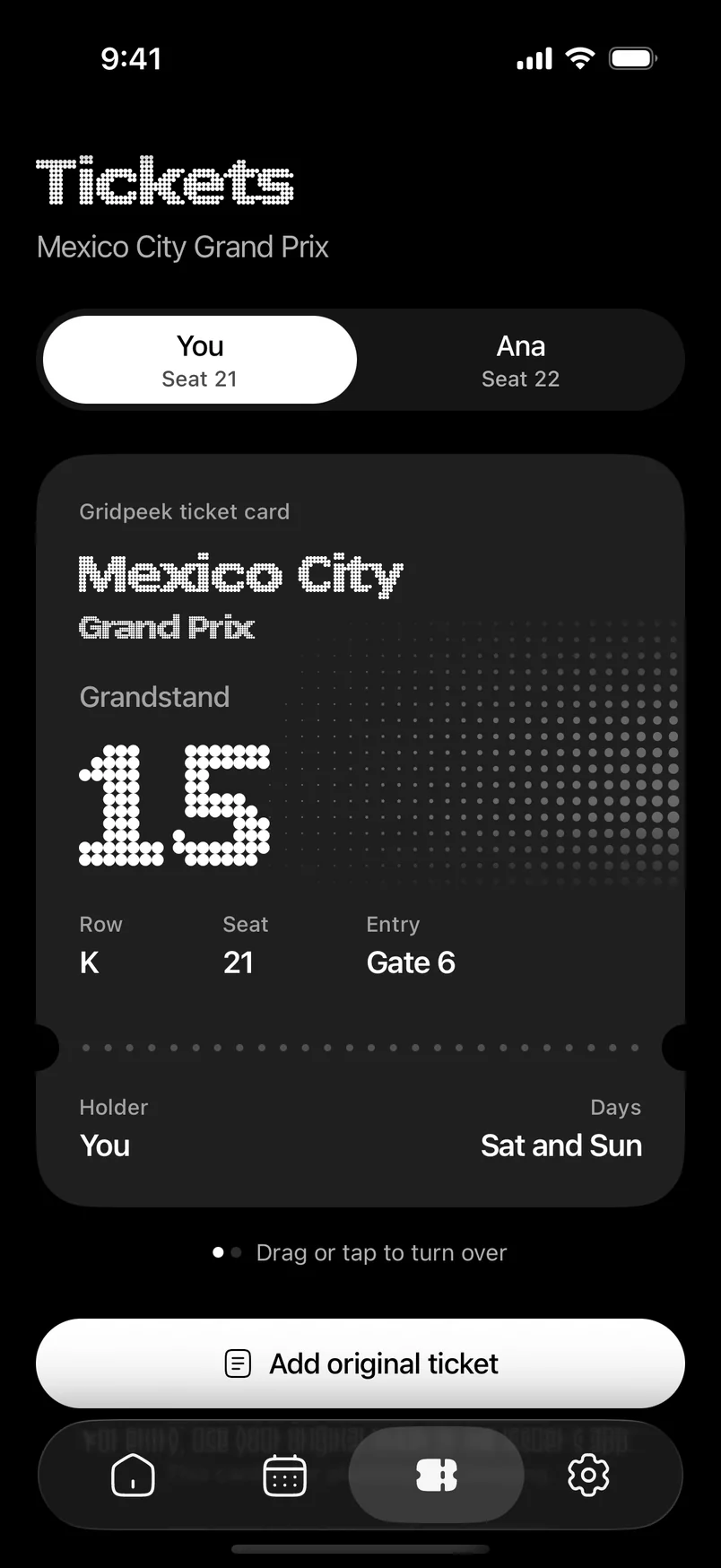
Gridpeek turns the ticket you bought into a card you can read at a glance: grandstand, row, seat and the gate printed on your ticket. Everyone in your group gets their own.
The back keeps the entry details and points to your original ticket. At the gate, use the original or the issuer's app. The card is for planning and keeping, not for entry.
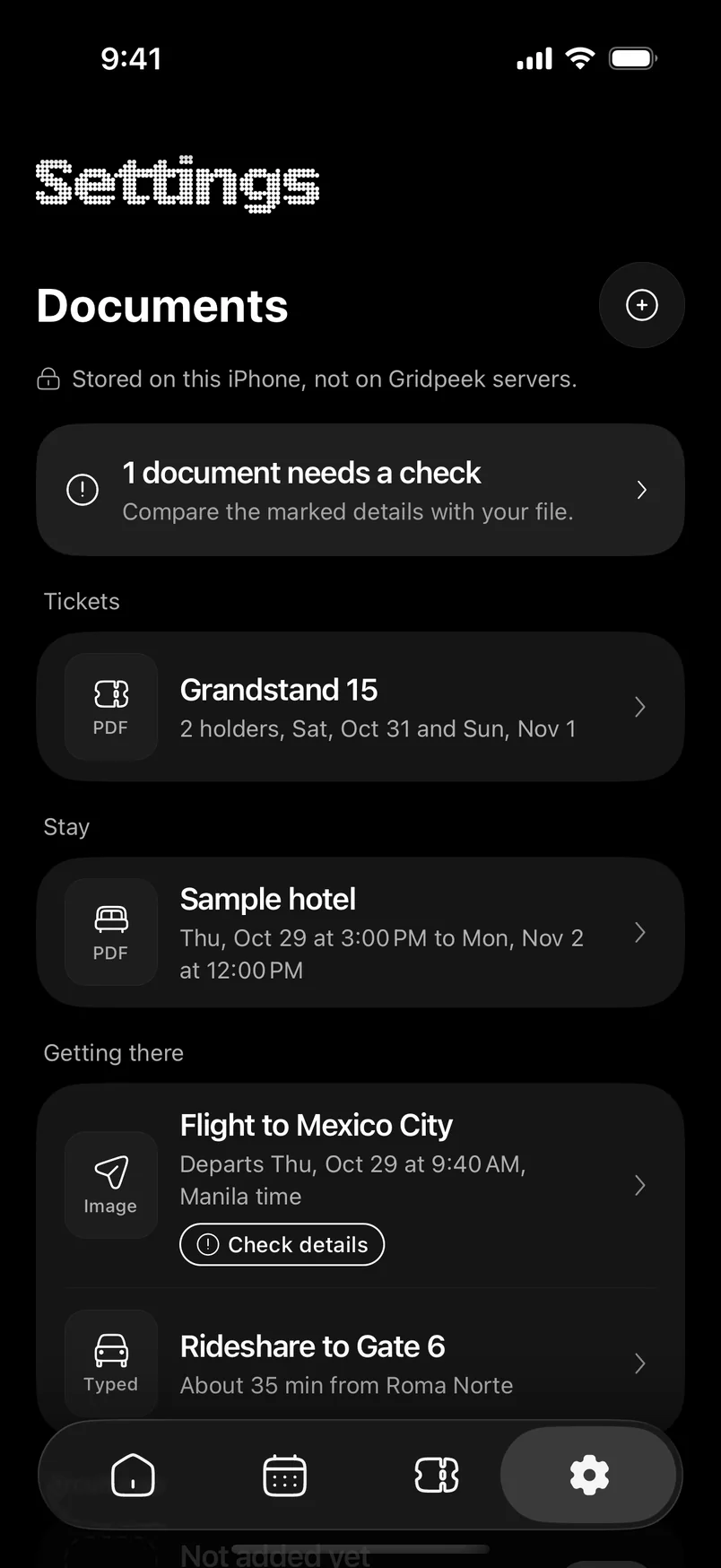
The ticket in your email, the hotel PDF, a screenshot of the flight. Import from Photos, Files or the camera, then check what Gridpeek read before you save it.
Stored on your iPhone, not on Gridpeek servers.
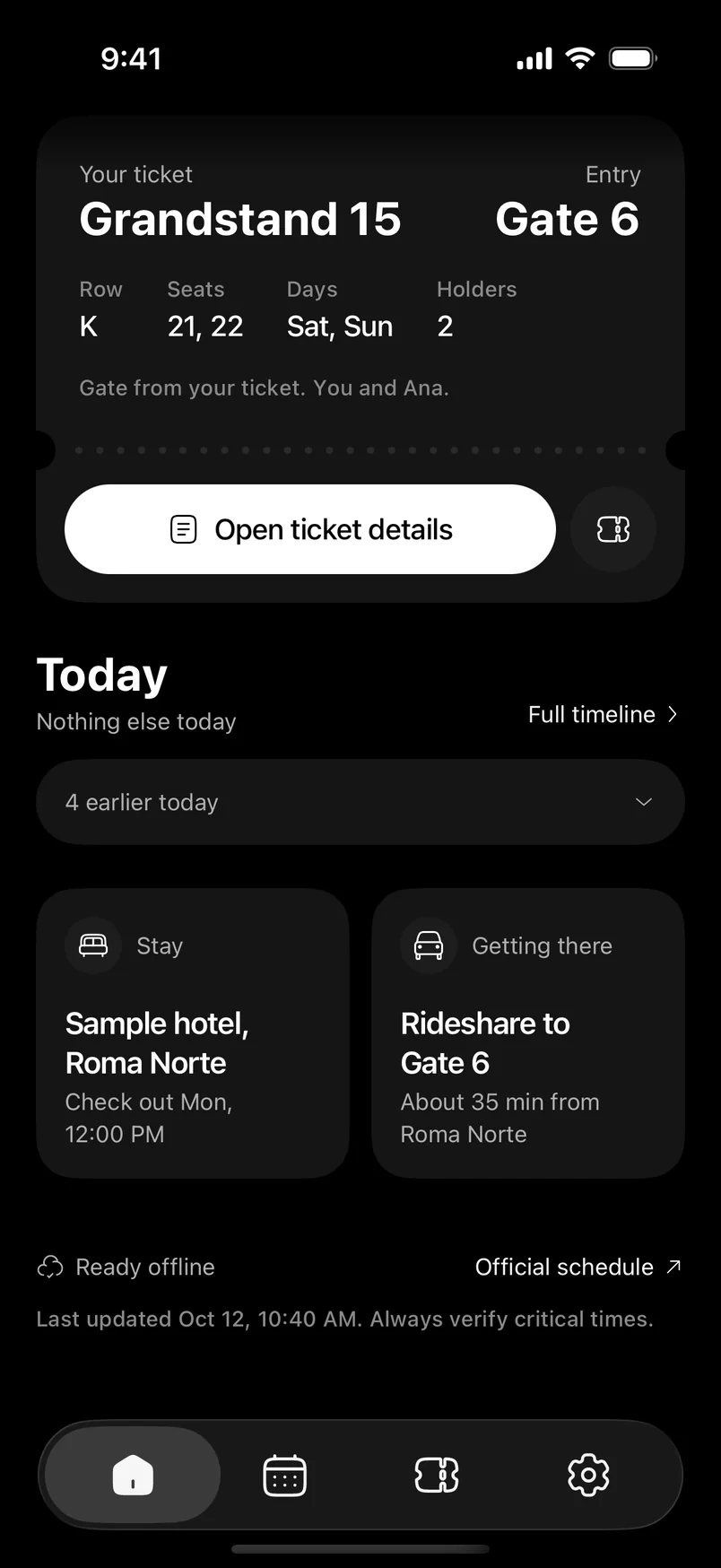
Your originals, plans and the last downloaded schedule stay on your iPhone for when the crowd takes the connection with it.
Schedules show their official source and when they were last updated. New updates need a connection.
Gridpeek follows your iPhone's appearance, or you can choose light or dark in Settings. Black and white either way.
Document recognition happens on your device. Your tickets and confirmations aren't sent to our schedule servers.
Your personal weekend lives on your iPhone. Optional iCloud, where available, uses your own Apple account.
Mark a weekend as attended and keep your tickets, plans and memories together. Ready for the next one.
Gridpeek starts after you've bought your ticket. It organizes your existing tickets, travel, stay and plans. It doesn't sell tickets, make bookings or provide live timing.
The Gridpeek card is for planning and keeping the memory. For entry, use your original ticket, the issuer's app or Apple Wallet as your ticket provider requires. The original stays easy to reach.
Your saved documents, personal plans and downloaded schedule. Import and download what you need before you travel. New schedule updates and some issuer apps require connectivity.
Gridpeek's editors publish schedule updates, and the app shows the official event source and publication time. Updates and notifications can be delayed. Check the official source before making time-critical plans.
No. Gridpeek is planned as one upfront App Store purchase with lifetime access. The App Store will show the price in your currency when it becomes available.
Gridpeek is on the App Store now, for iPhone with iOS 16.4 or later. Get Gridpeek on the App Store. Android and iPad aren't part of this first release.
A little less searching. A lot more being there.
Get Gridpeek on the App Store
One purchase, no subscription. For iPhone with iOS 16.4 or later.